Import Guide3 min read2026-02-22
How to avoid duplicate CSV imports when tracking expenses
A short guide to re-uploading statement files safely and understanding how Spendcal handles duplicate transaction rows.
Upload one statement per account
Separate account imports reduce ambiguity and make duplicate detection more reliable.
Check import history after every upload
Spendcal keeps an import history list with file names, statuses, and row counts. Use it to confirm what happened instead of guessing.
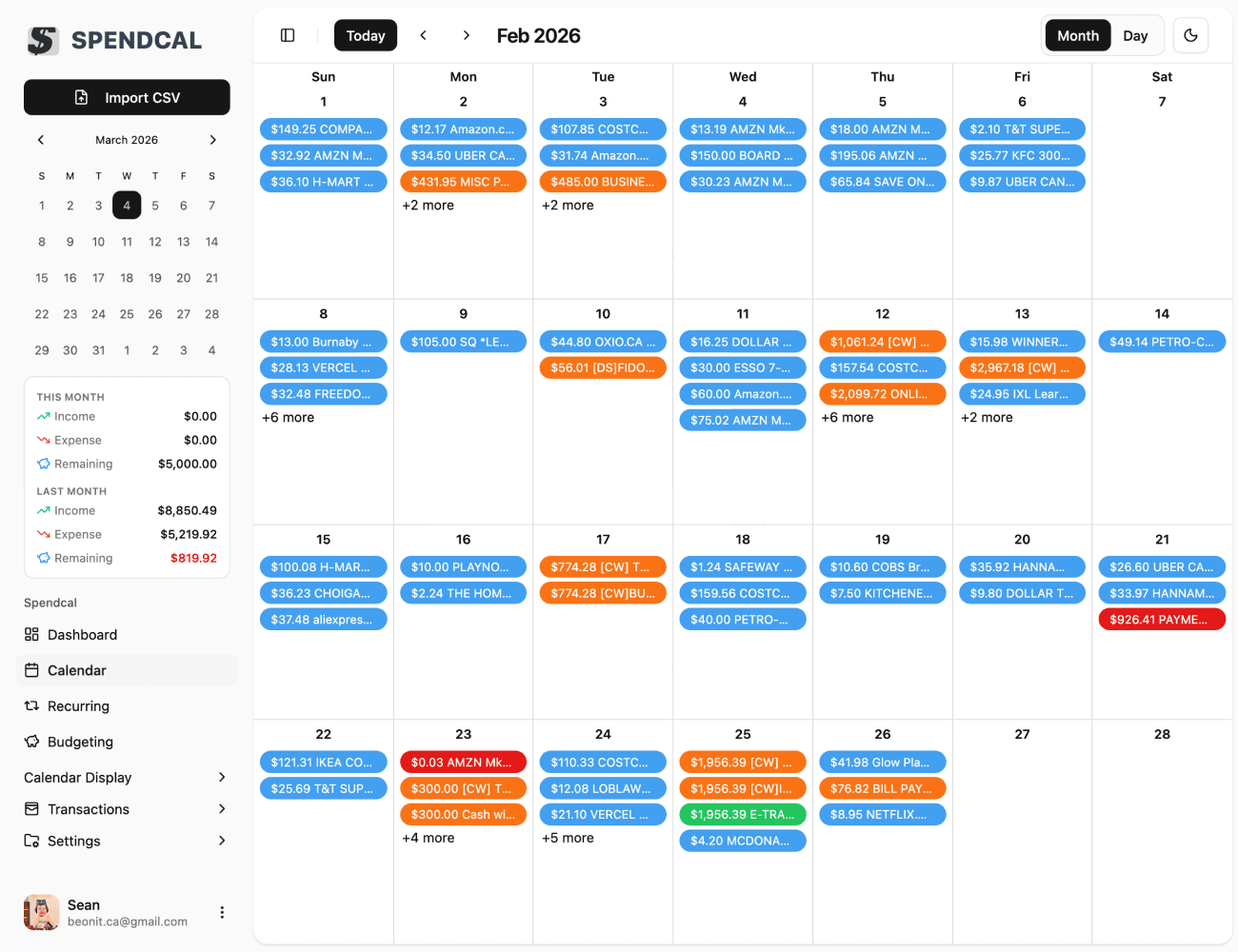
Verify the calendar after re-imports
If a day suddenly looks unusually busy, open the day log and confirm whether those rows are genuinely new or just overlap from a statement range.